Navigation is one of the most impactful parts of the user experience. A pleasant navigation scheme becomes effortless while a poor navigation scheme is frustrating and irritating to its users. When designing a navigation scheme I root the design in exploration, user testing, and iterative refinement. Exploration is the process by which I ideate by combining my own ideas with established design patterns of the product I am working on and ideas I find in online research. User testing is how I identify the strengths and weaknesses of my designs from the perspective of my users rather than myself. I then take this feedback and user it to iteratively refine my designs into a final solution. The following is a case study about how the top level navigation for managing resources in DataV was designed by leveraging exploration, user testing, and iterative refinement.
Problem
The original implementation of DataV Manage focused on allowing users to manage applications. Users could see which applications existed in the system, which applications they were responsible, and which applications they needed to review through a series of top-level tabs.
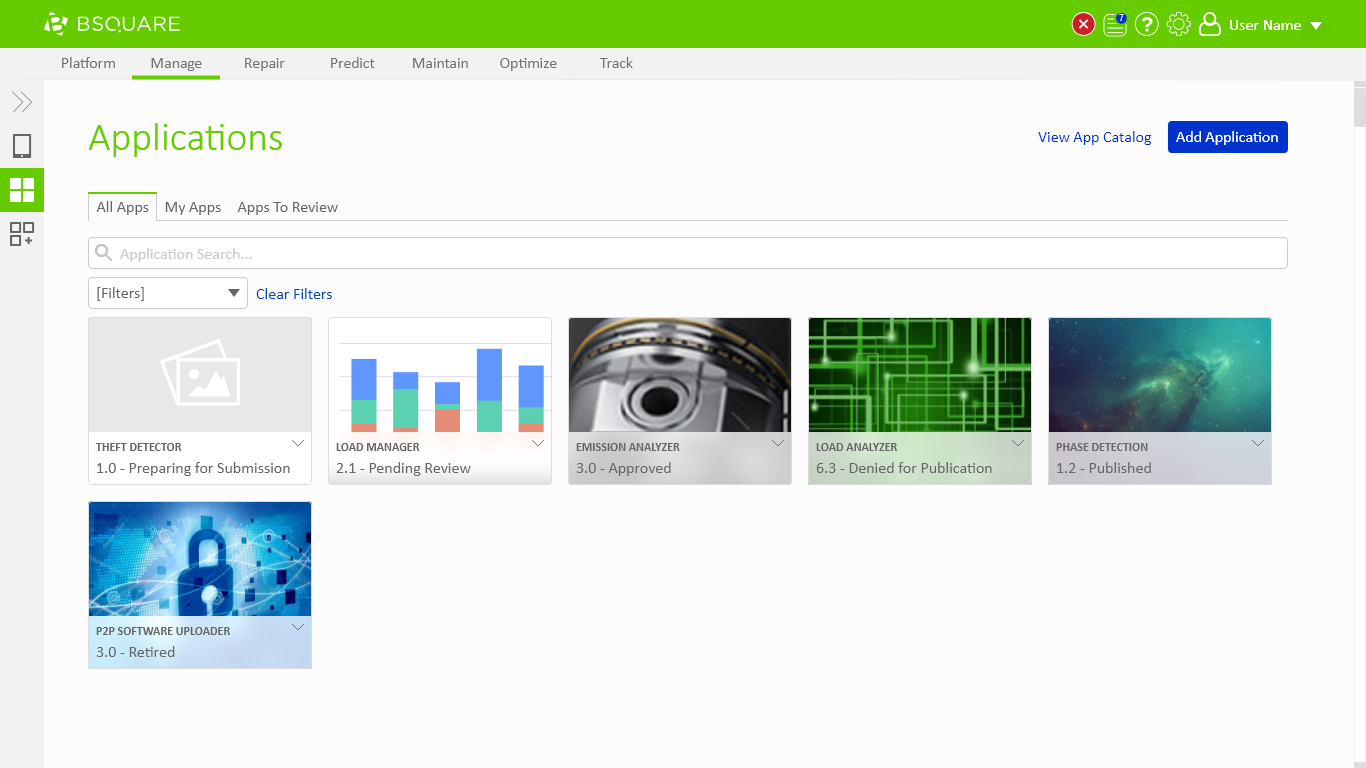
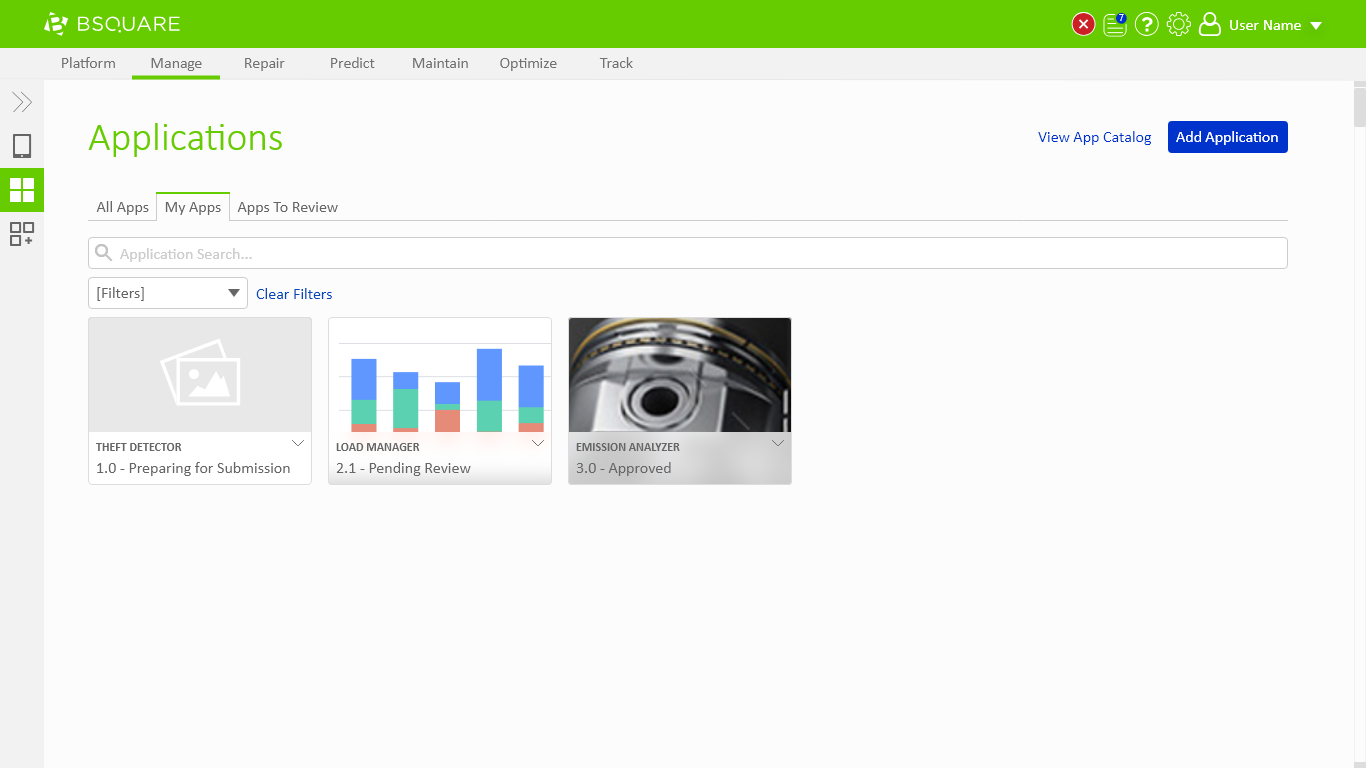
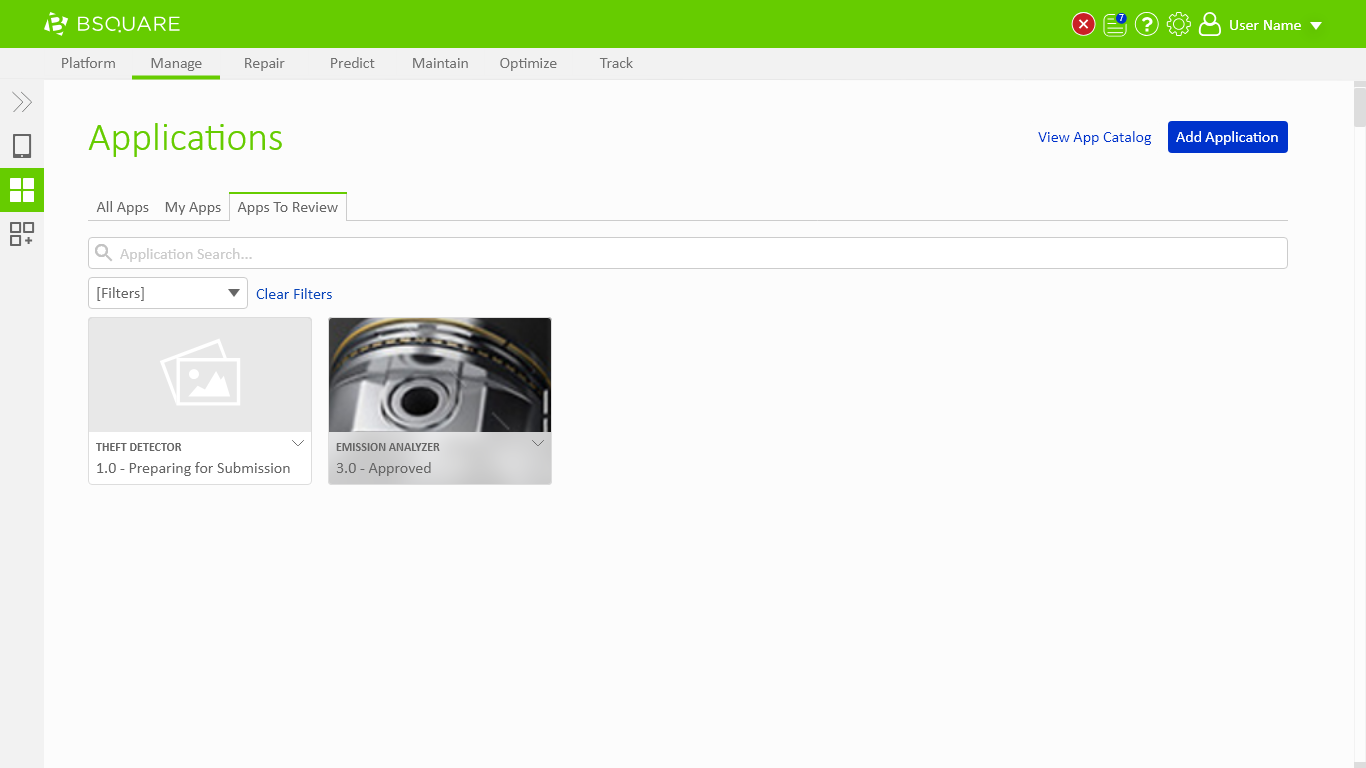
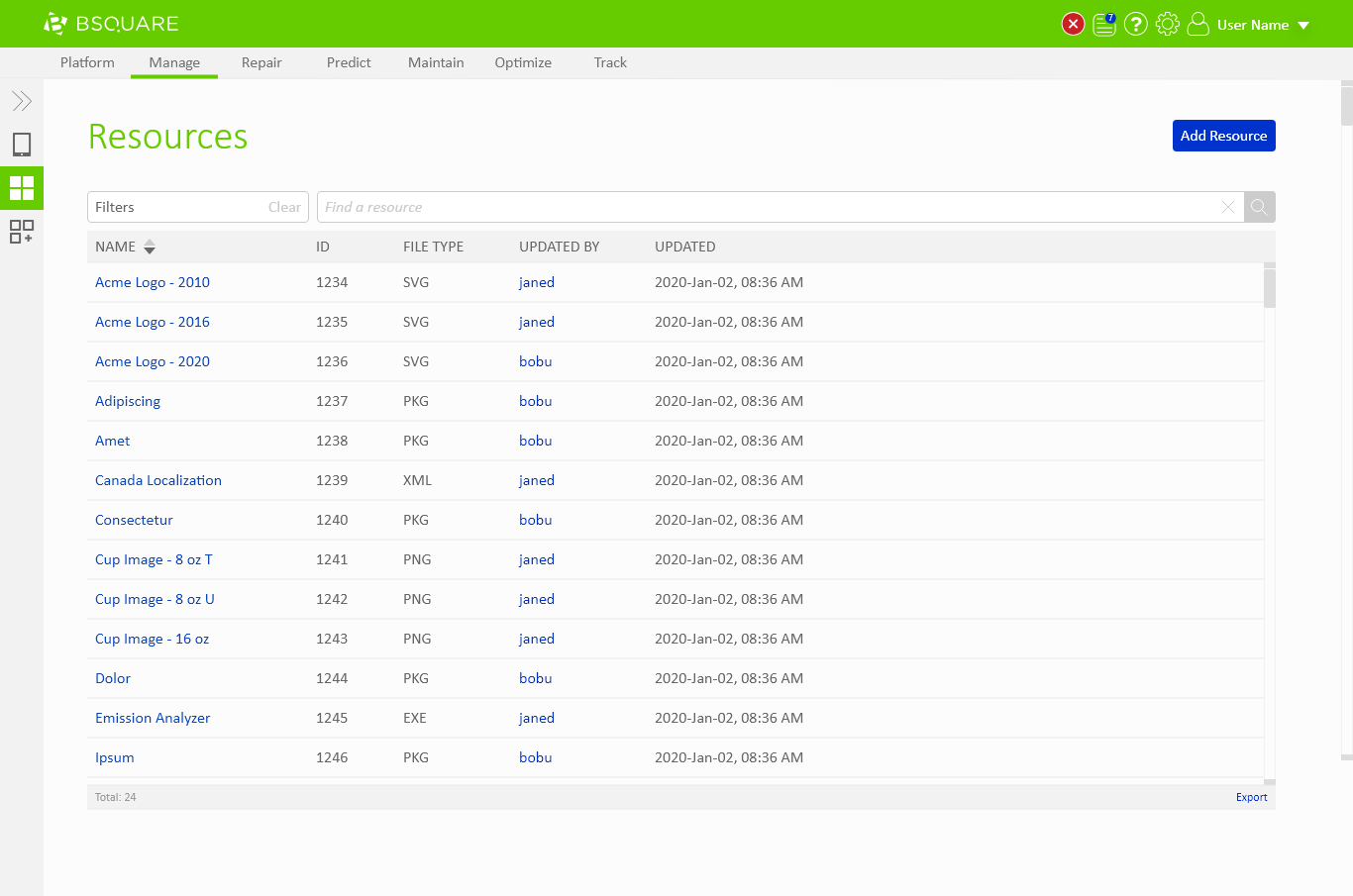
In the new design we needed to support any resource type instead of just applications while allowing users to access to the same shortcuts.
My Role
I was the UX designer for this project working with the product manager for Manage and a UI designer. My role included exploring alternative interaction pathways, prototyping and testing the designs with sample users, iterating on the design based on user feedback, and drafting the final wireframes and documentation so the engineering team could implement the design.
Exploration
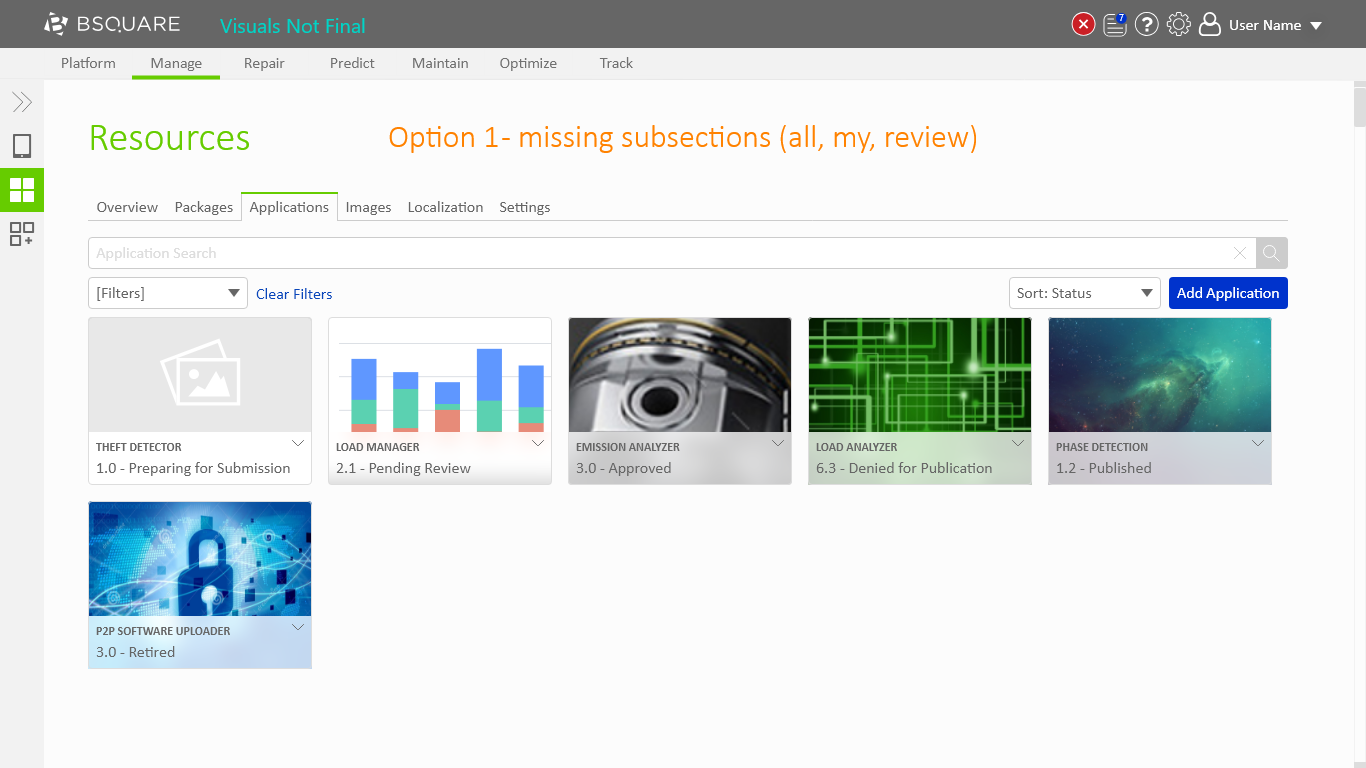
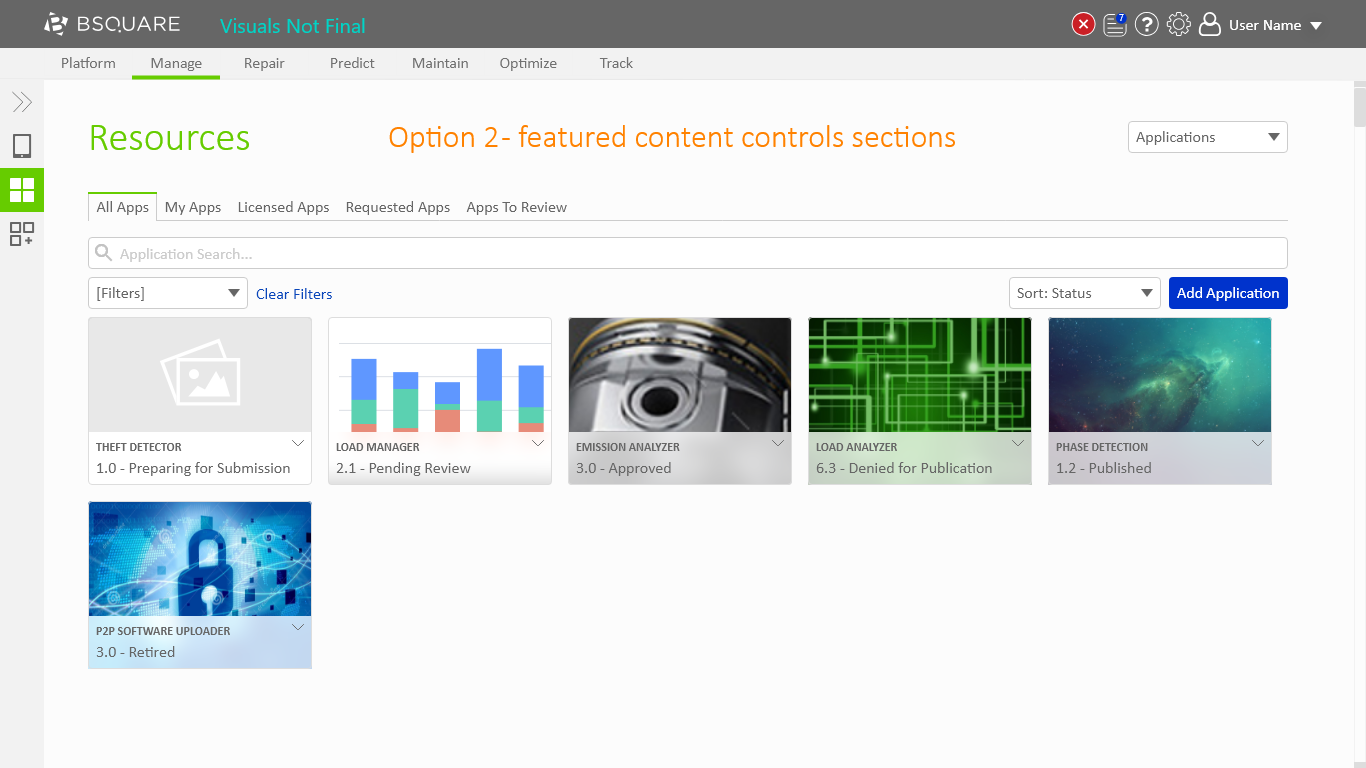
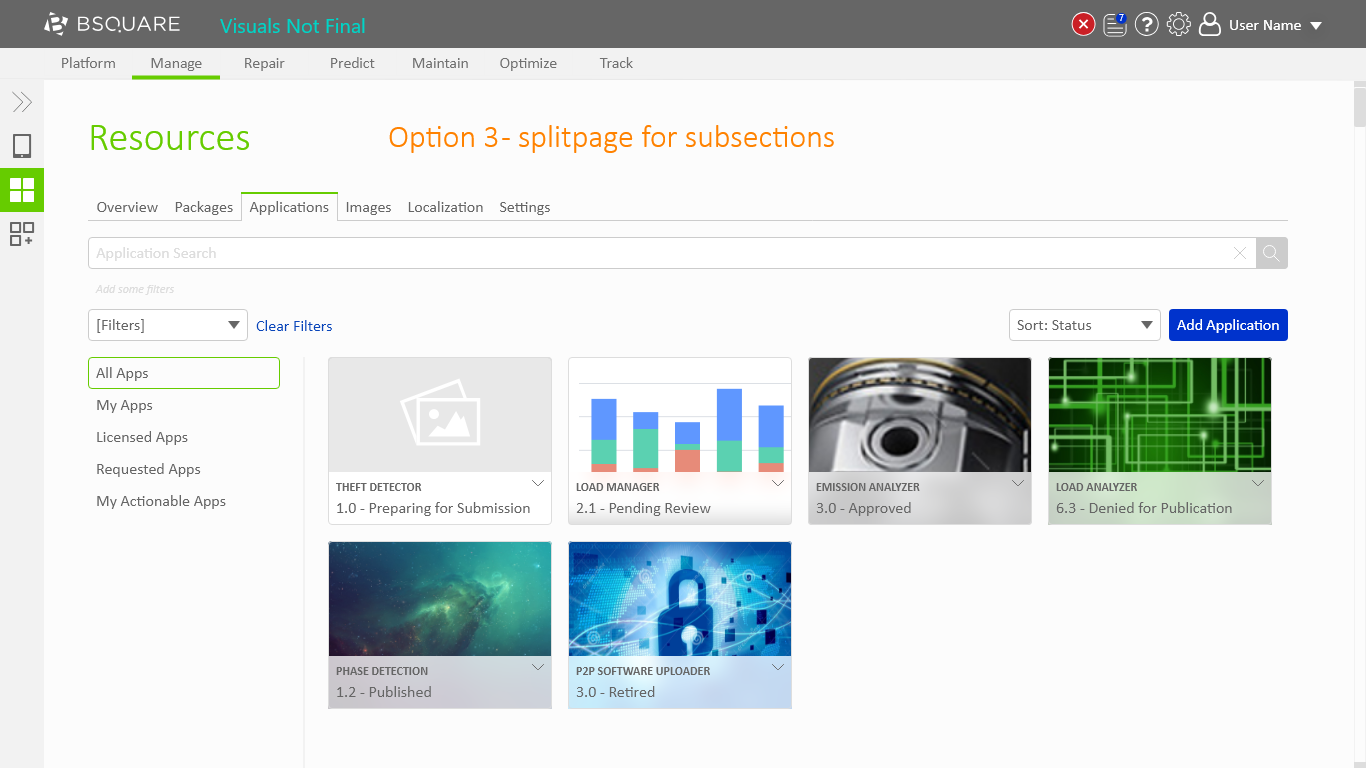
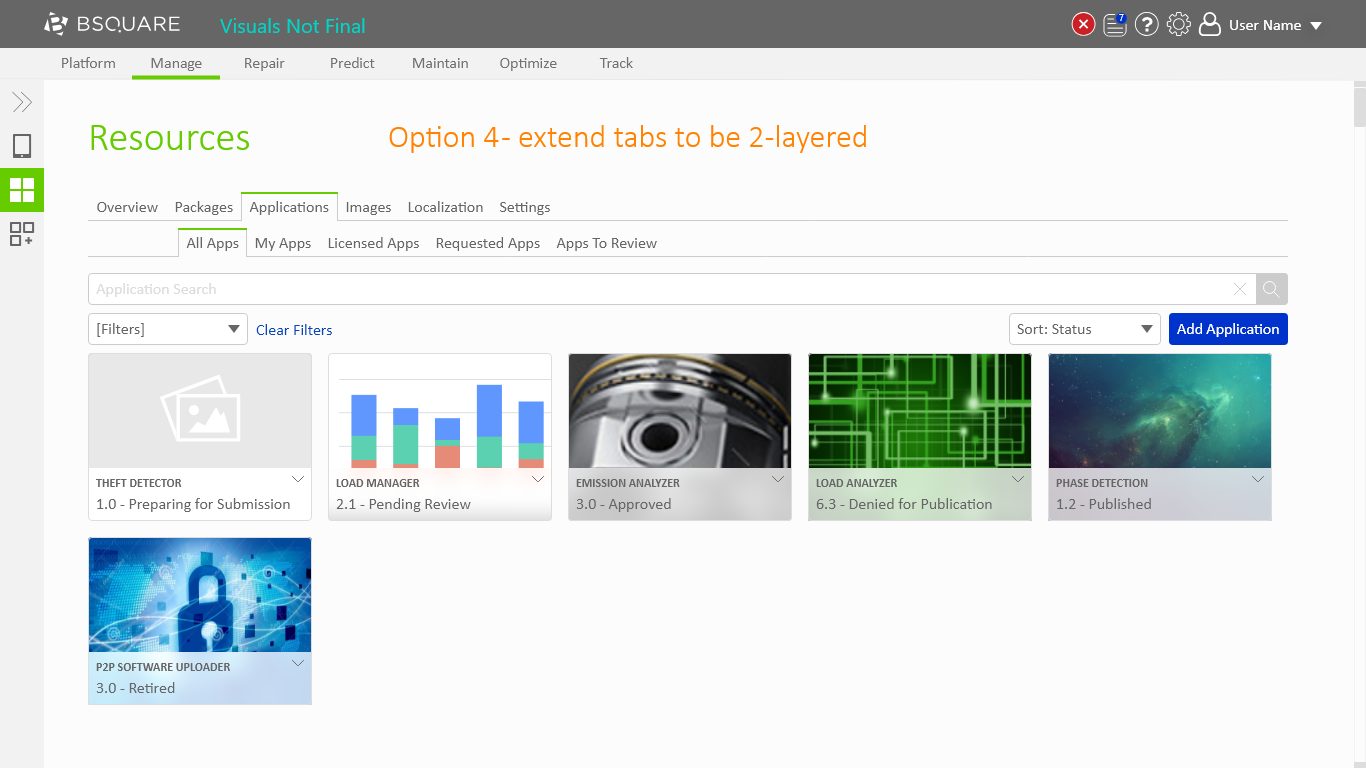
During my initial research and exploration phase I created 7 options in Adobe XD. The first 5 options represent different approaches to solving the problem and options 6 and 7 are alternative optimizations. The options are a mix of new ideas, reuse of existing DataV design patterns, and adaptations of design patterns I found as I researched the problem online.
- Option 1 showed what resource management would look like if we removed the shortcuts and used the tabs for different resource types.
- Option 2 showed an alternative where the shortcuts remained as the tabs of the page and the different resource types went into the page’s title bar.
- Option 3 leveraged our existing “split page” design pattern as a second layer of navigation underneath the tabs for the shortcut options.
- Option 4 explored what a two-layered tab system would be like.
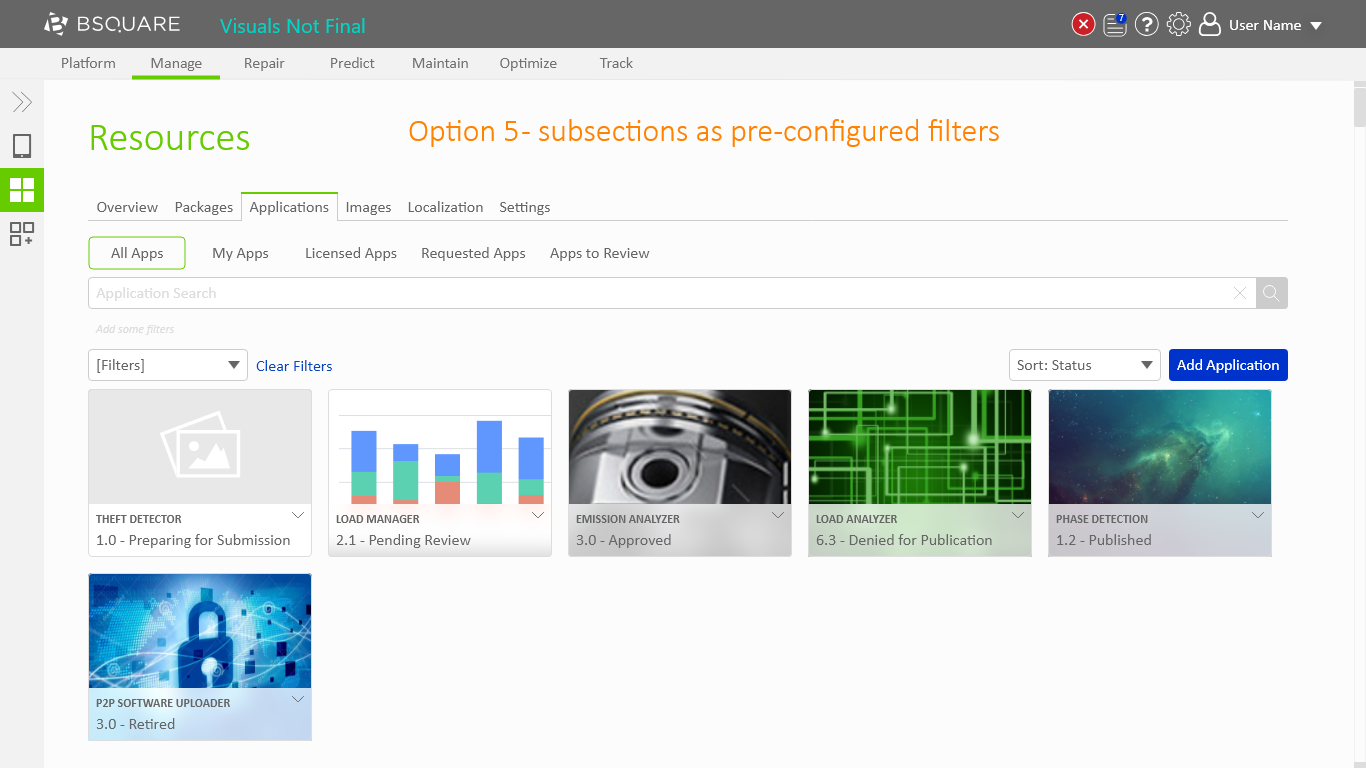
- Option 5 adapted an idea I found in my research of pre-configured filters just underneath the tabs.
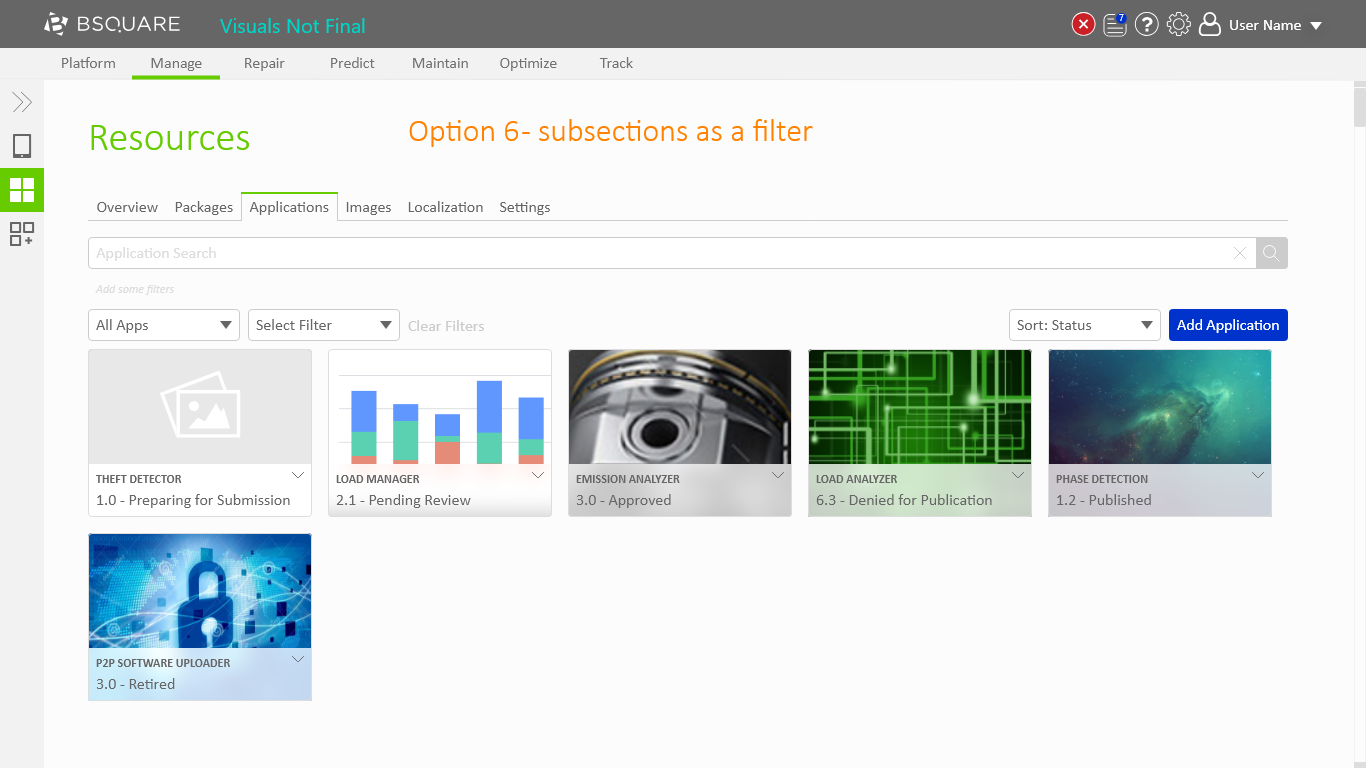
- Option 6 took these filters and integrated them as a second drop-down in the existing filter system.
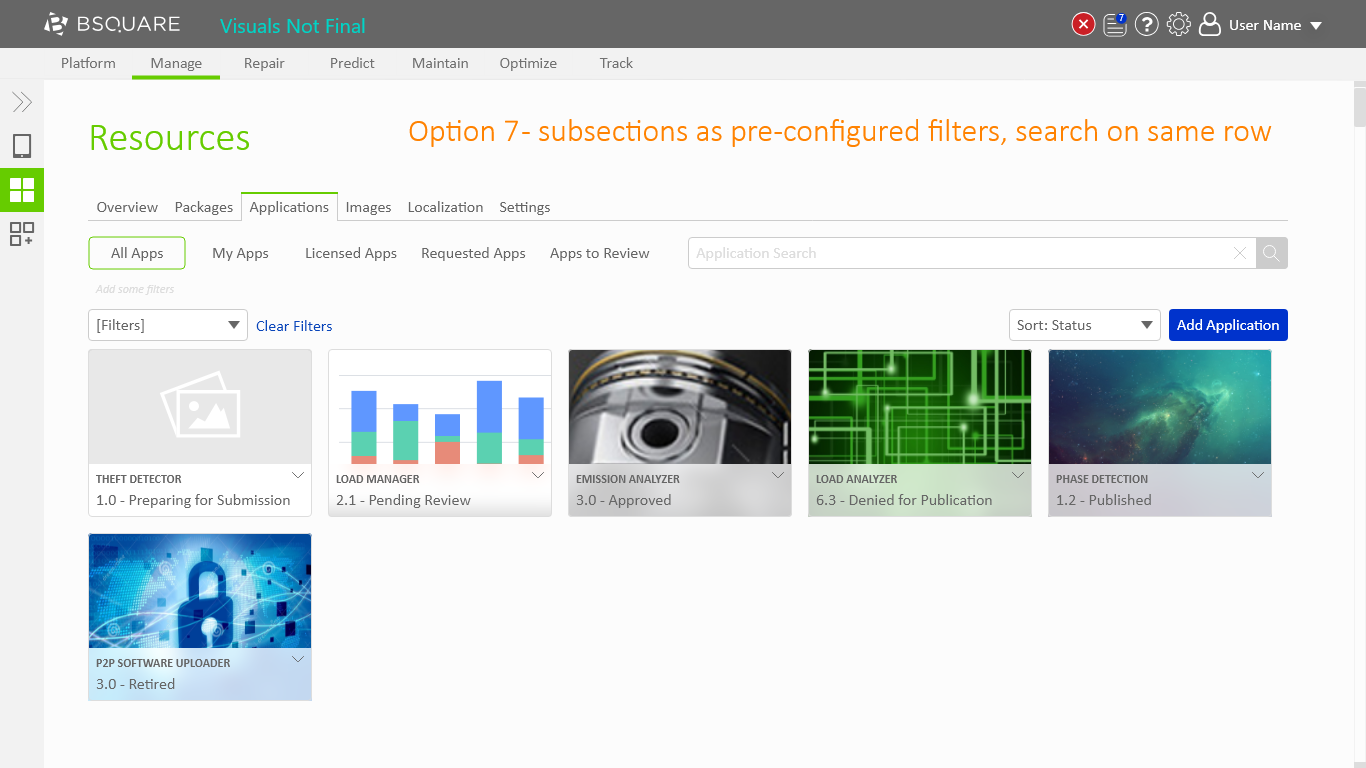
- Option 7 was a variant of option 5 to try and salvage the lost vertical space.
Iteration
Using this feedback I iterated on the designs, focusing on ways to improve the filter based design of option 6. This resulted in two new options, a new prototype, and another user test.
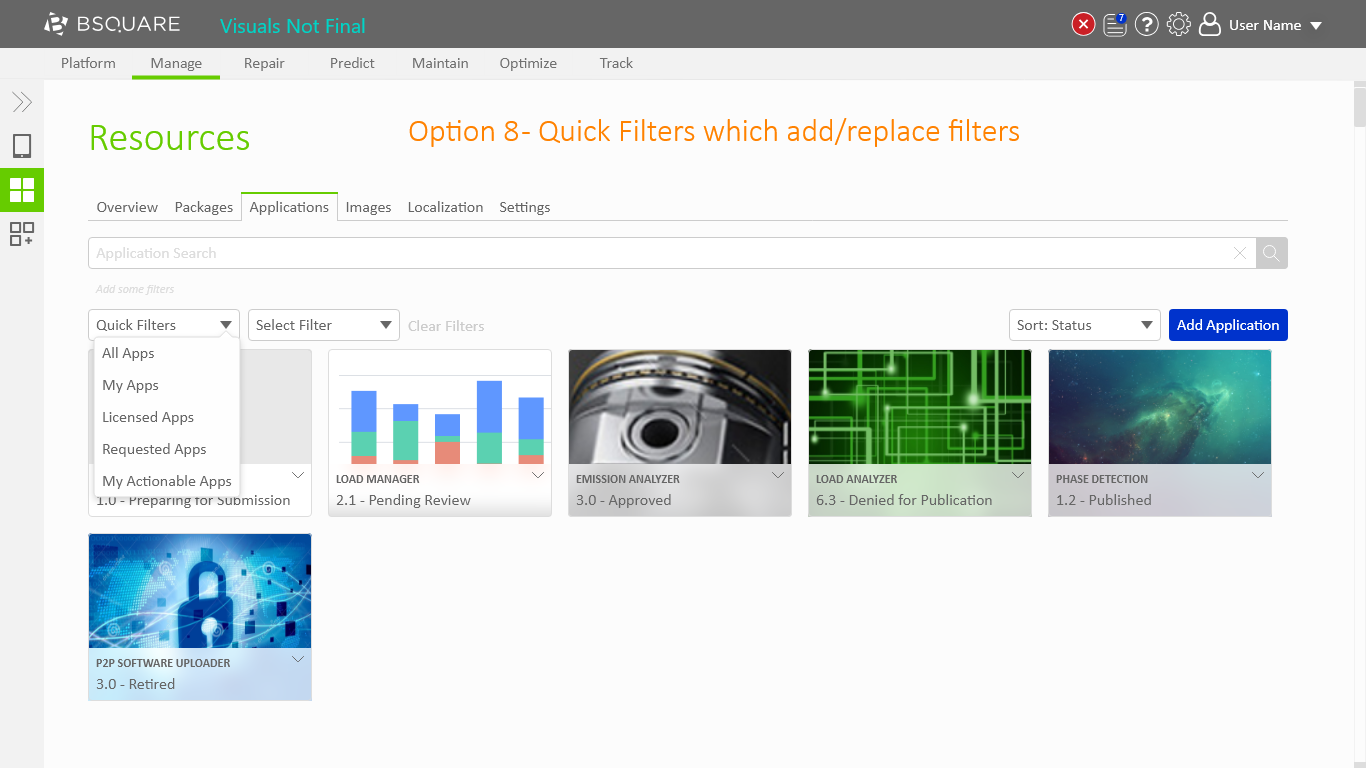
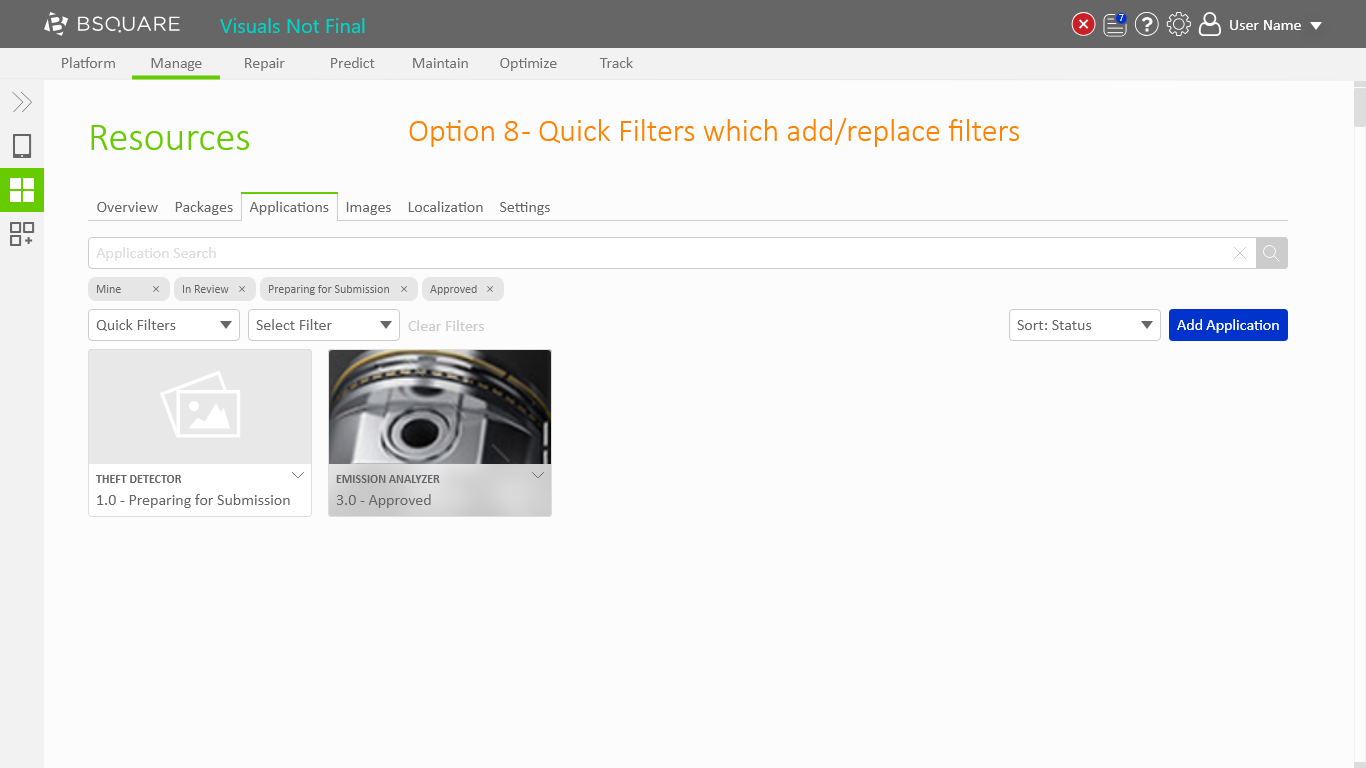
- Option 8 integrated user feedback to name these new filters as “quick filters” and redefine the quick filters as collections of existing filters.
- Option 9 took this a step further by combining the existing filters and quick filters into a single menu.
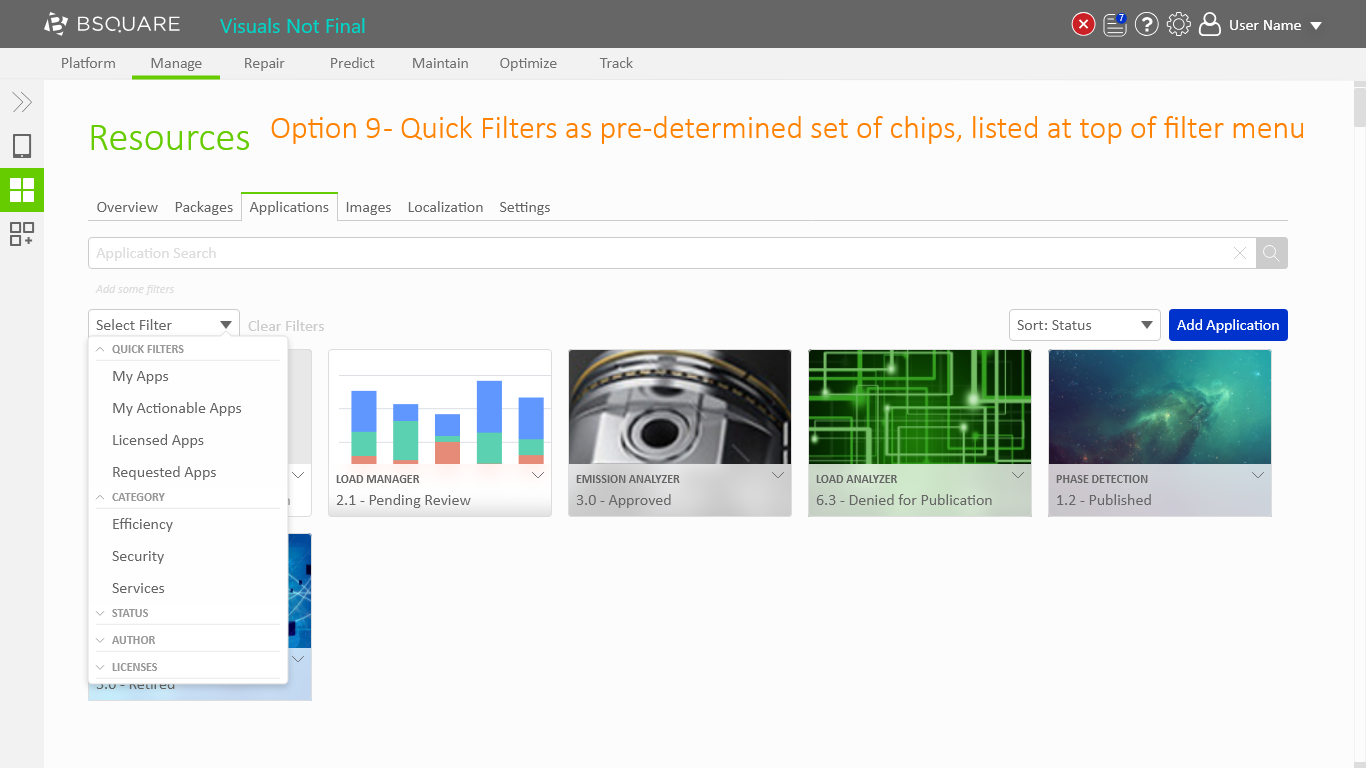
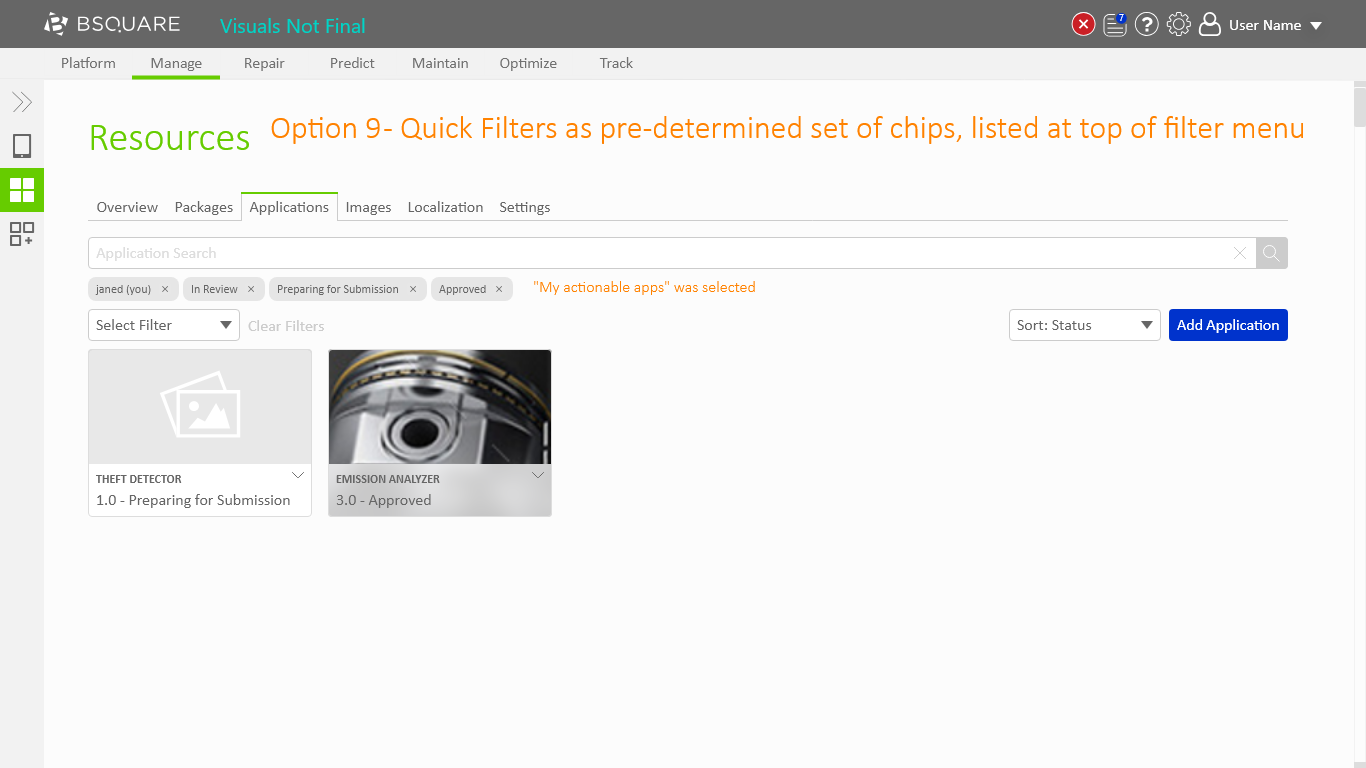
Resource Navigation – Option 9
Abbreviated results:
- Chips are unintuitive.
- Intrigued that quick filters can be defined as a list of filters.
User feedback indicated that option 9 was less intuitive than options 3 and 6 because the relation between the quick filters and the chips was unclear. With this feedback I iterated on how the filters worked to produce option 10, built the corresponding prototype, and performed 2 more user tests.
- Option 10 refines option 9 by redesigning how the filters widget works. I researched other commonly used filter systems, such as Amazon.com and Microsoft Excel, to identify possible new approaches to the filter widget.
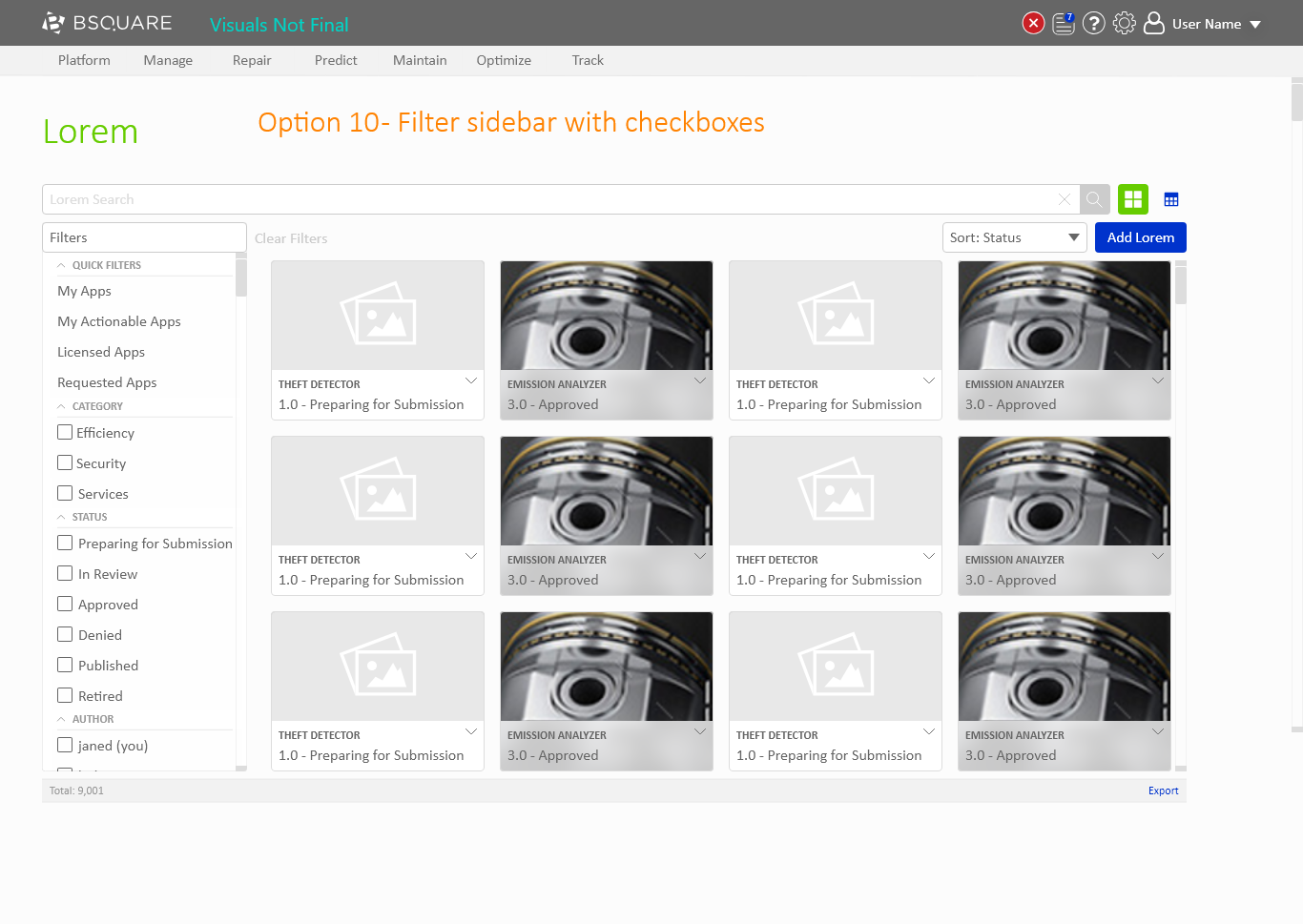
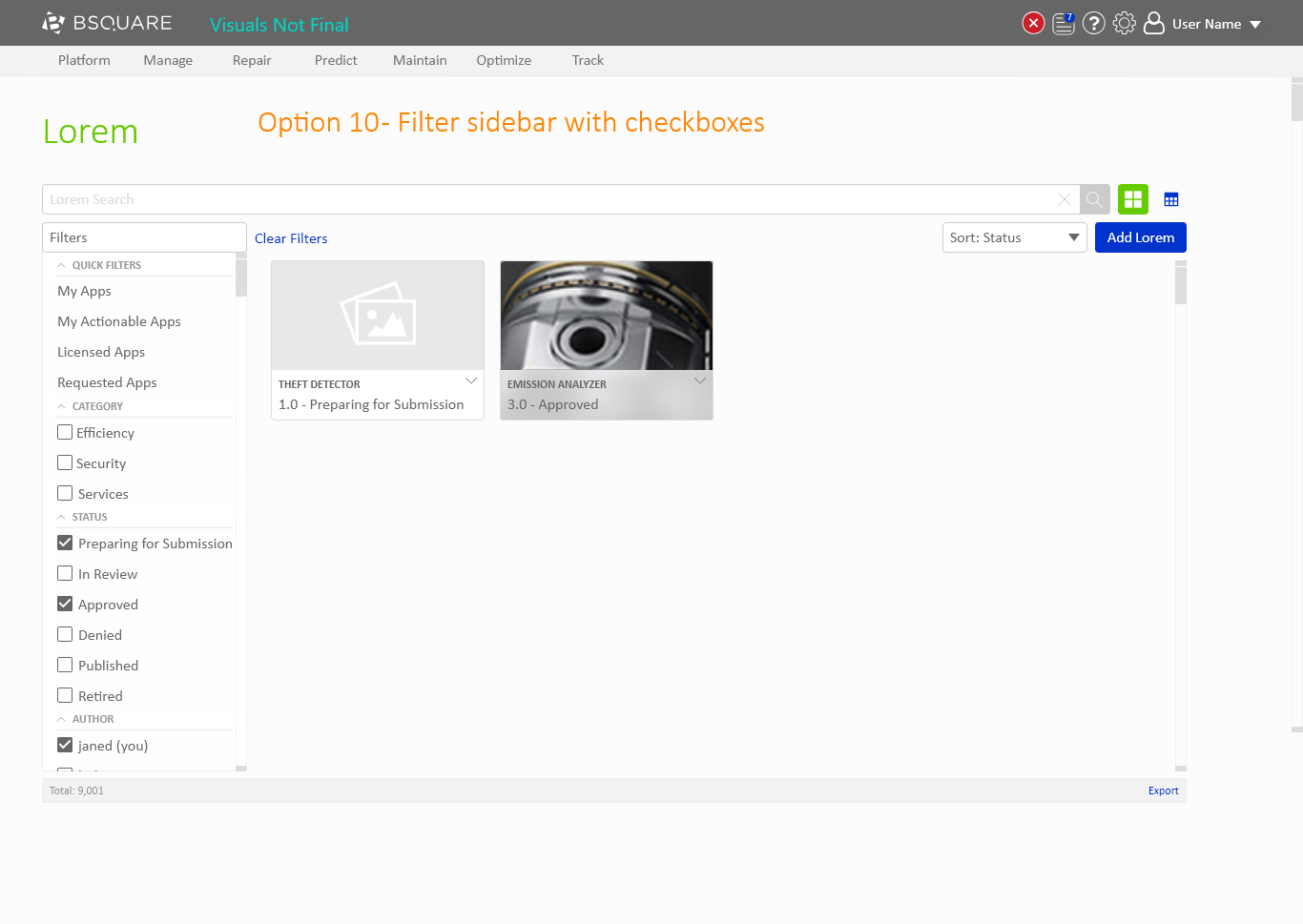
Resource Navigation – Option 10
Abbreviated results:
- Sidebar of options is familiar and common.
- Chips are more modern, but the sidebar is more clear about how the filters AND and OR together.
- Users of DataV will appreciate the extra clarity.
From this feedback, the team and I were happy with the contained nature of the new filters and the clarity it would provide for our users. We decided to move forward with option 10’s version of quick filters as our solution to showing filtering shortcuts within DataV.
Conclusion
My design process is rooted in exploration, user testing, and iteration. Exploration is the process I use to generate new ideas by mixing my own ideas with the established design patterns of DataV and other ideas I find through online research. I utilize prototyping and user testing to get feedback from sample users to identify the strengths and weaknesses of the designs. I then take this learning and refine the designs iteratively to a final solution.