Problem Statement
We tested the game with players, mostly elementary school children. We noticed that older players generally played the game without any problems. But we also noticed that many younger players took longer to complete levels than others. At first, we assumed this was because the younger players had less experience with fractions, which is what the game is primarily about. As we continued to do playtests we continued to notice younger players struggling more often, even on levels only involving integers. This was particularly noticeable when players of the same age and from the same class would complete the levels at vastly different speeds.
Initial Play Tests
We tested the game with players, mostly elementary school children. We noticed that older players played the game without any problems. But we also noticed that many younger players took longer to complete levels than others. This was particularly noticeable when players of the same age and from the same class would complete levels at vastly different speeds.
We paid close attention to the struggling players to better understand how they played the game. We observed these players attempting to place the same card multiple times, usually releasing it early by accident. Often, these kids would then move their bodies into unnatural positions as they tried desperately to drop the card where they wanted it. I distinctly remember a few players with their arm stretched out as far as they could go and their hand rotated more than 90 degrees! When we discussed the game afterwards, these players would say things like “it was really difficult to put the creatures on the tiles”.
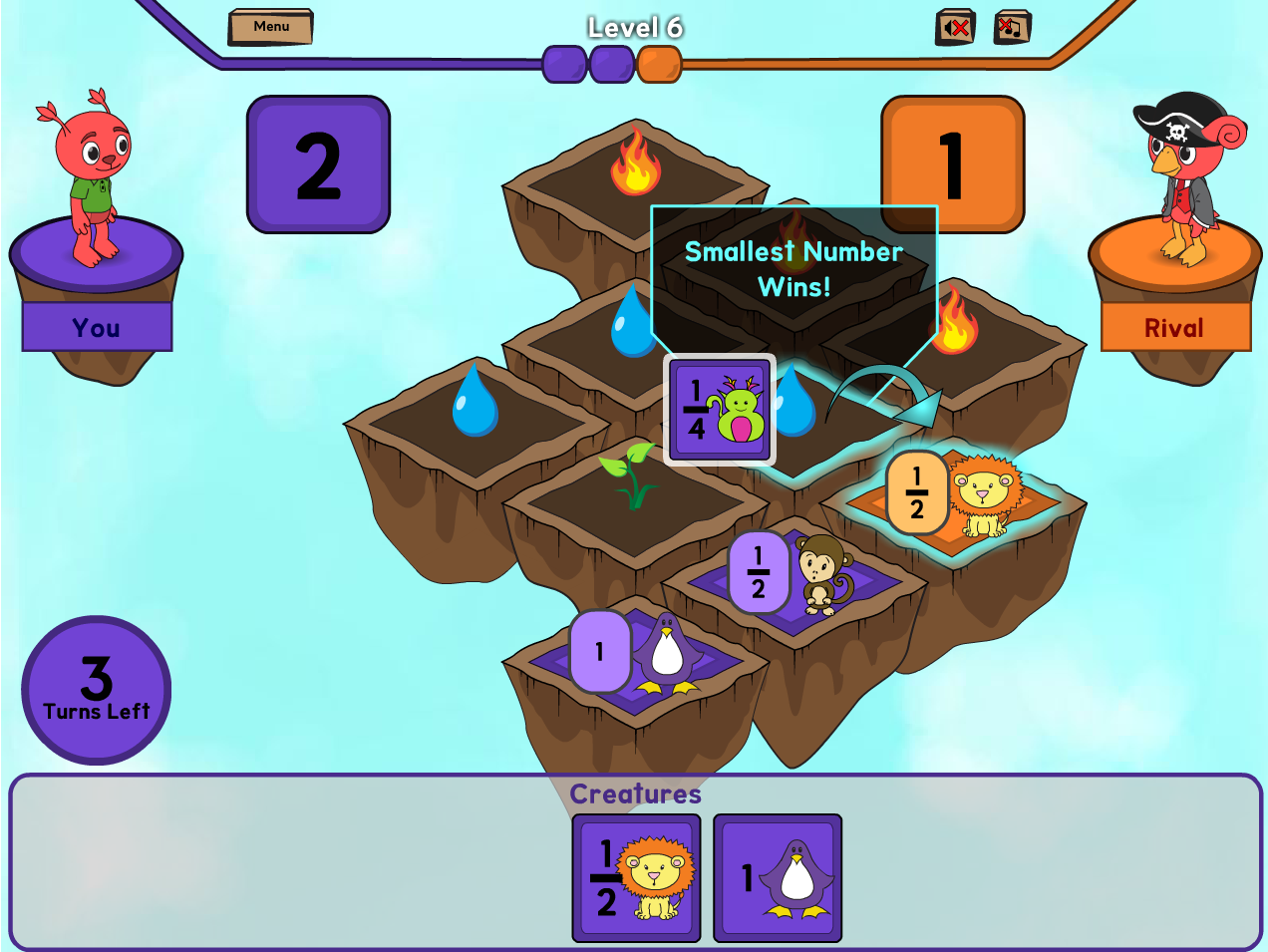
Click-To-Place
We concluded that players with less experience with a mouse were having difficulty dragging a card onto the board using the game’s drag-and-drop controls. They simply didn’t have the mouse dexterity to drag and drop cards in the game. So we decided to try a click-to-place system instead of a drag and drop system to make it easier to play.
Clicking on a card would pick it up and the card would then follow the mouse. Players could then drag the card around without holding down the mouse button. Clicking again would drop the card on whatever the mouse was hovered over. This system would allow kids with less mouse dexterity the freedom to move the mouse without having to hold the button down.
Click-to-Place Play Tests
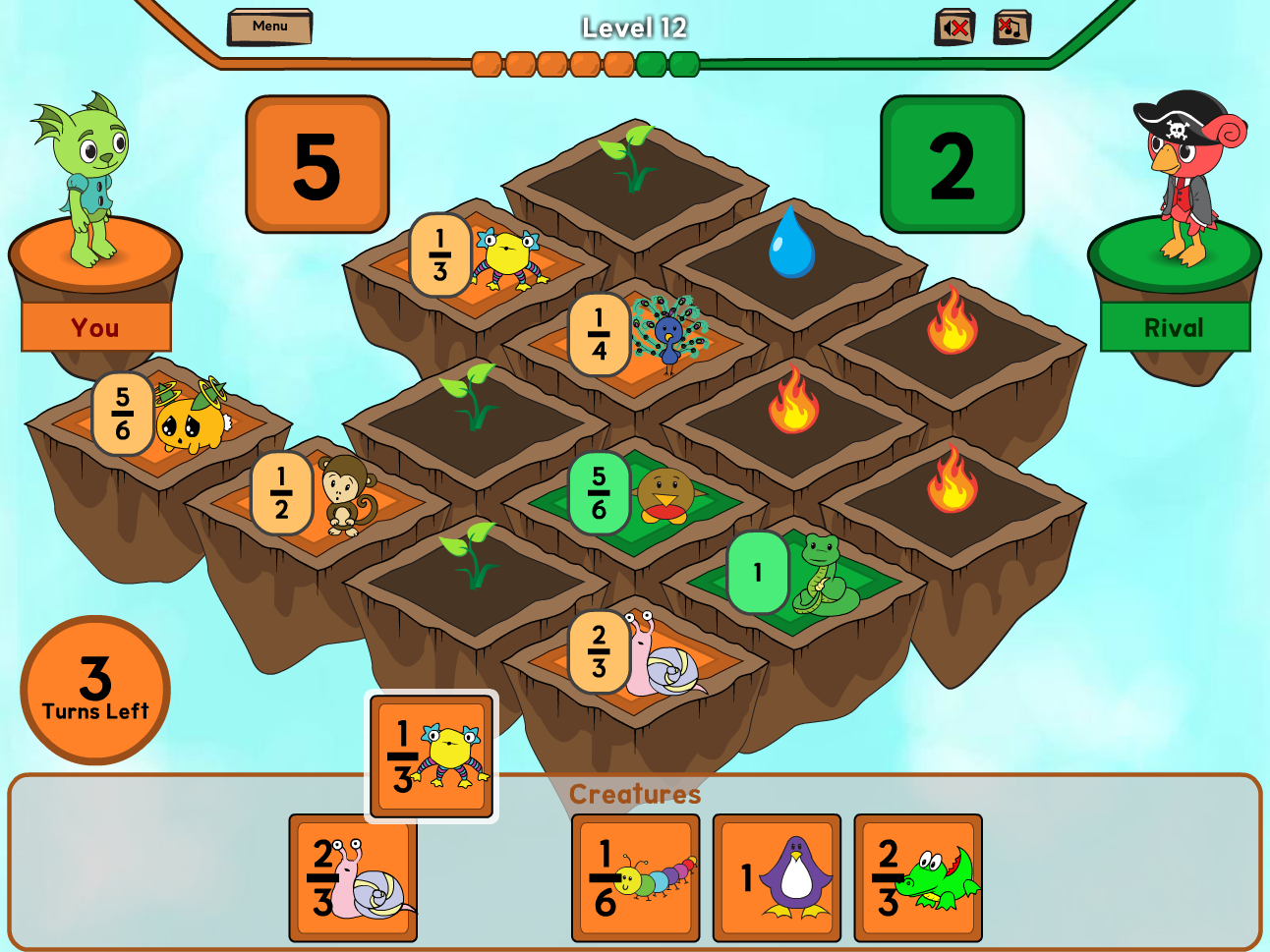
We tested this with kids and it had the desired effect! Younger kids were able to control the mouse and place cards accurately. We even tested this with kindergarteners who did not understand the math but were able to control the cards.
However, older players started to complain about needing to click twice. They would say things like: “why can’t I just use drag-and-drop?” In accomplishing better accessibility, we made the game less intuitive. We also observed many younger kids attempting to drag-and-drop the cards and then realizing that they didn’t need to.
A Combined Solution
We wanted to find a solution that was both accessible and intuitive. After much iteration, we landed on a combined solution in which players could drag-and-drop but if they dropped over empty space the card would stay attached to the mouse cursor. Clicking a second time would then drop the card like in the click-to-place version. This would allow everyone to attempt drag-and-drop, but be forgiving for players that dropped a card early.
When we tested this, both sets of players got what they needed. Older players used drag-and-drop and didn’t even notice that there was a backup system. Younger players would drop early but the card would stay attached, so they would fall back to the click-to-place method to play the game.